Service
Is pool automation worth it for a Sydney pool?
Pool automation is worth it when one controller runs your pump, heater and lights on schedules. A pool pump alone uses nearly 18% of the electricity in an average Australian home with a pool, on Energy Rating's figures.
The options
A pump with its own app
- Madimack's InverFLOW Plus has Wi-Fi app scheduling built in
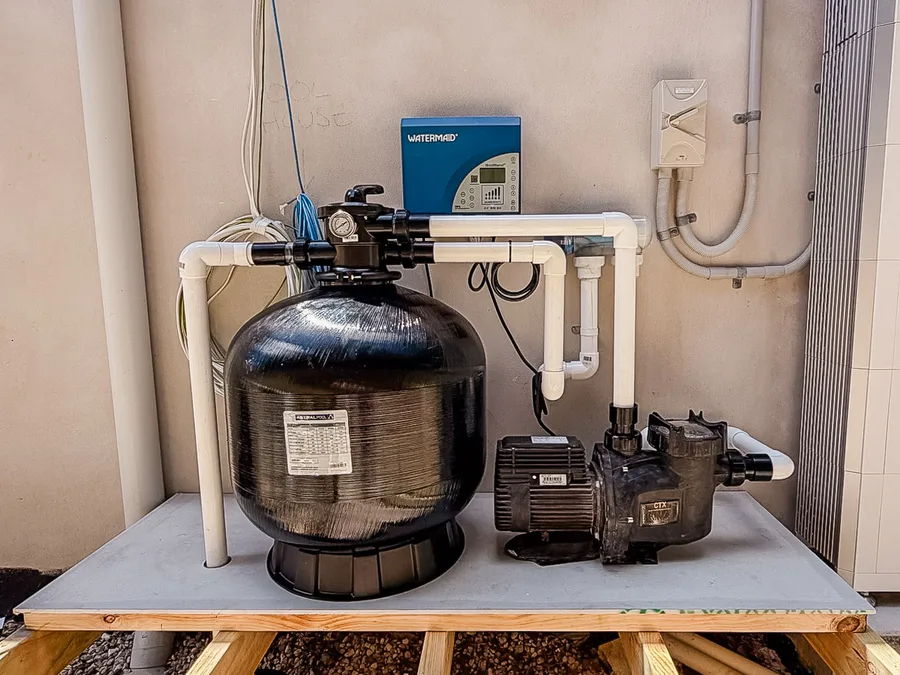
- Suits a pool with a pump and chlorinator only
An entry controller
- AstralPool's Connect LITE+ runs up to 4 SLX lights, 2 extra 240 V outlets and 4 timers
- Suits a pool with lights and one or two extra devices
A full automation system
- AstralPool's Viron Connect has 10 equipment outlets, 4 motorised valve outlets and heater control
- Suits a pool and spa, water features or solar heating
Priced separately: the electrical work and an optional internet gateway for app control. Products were current in November 2026.
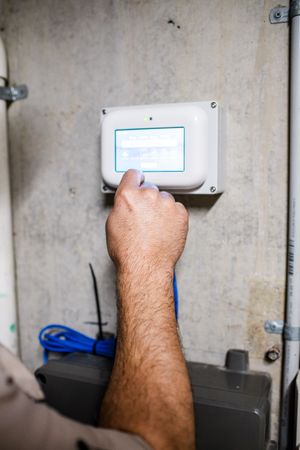
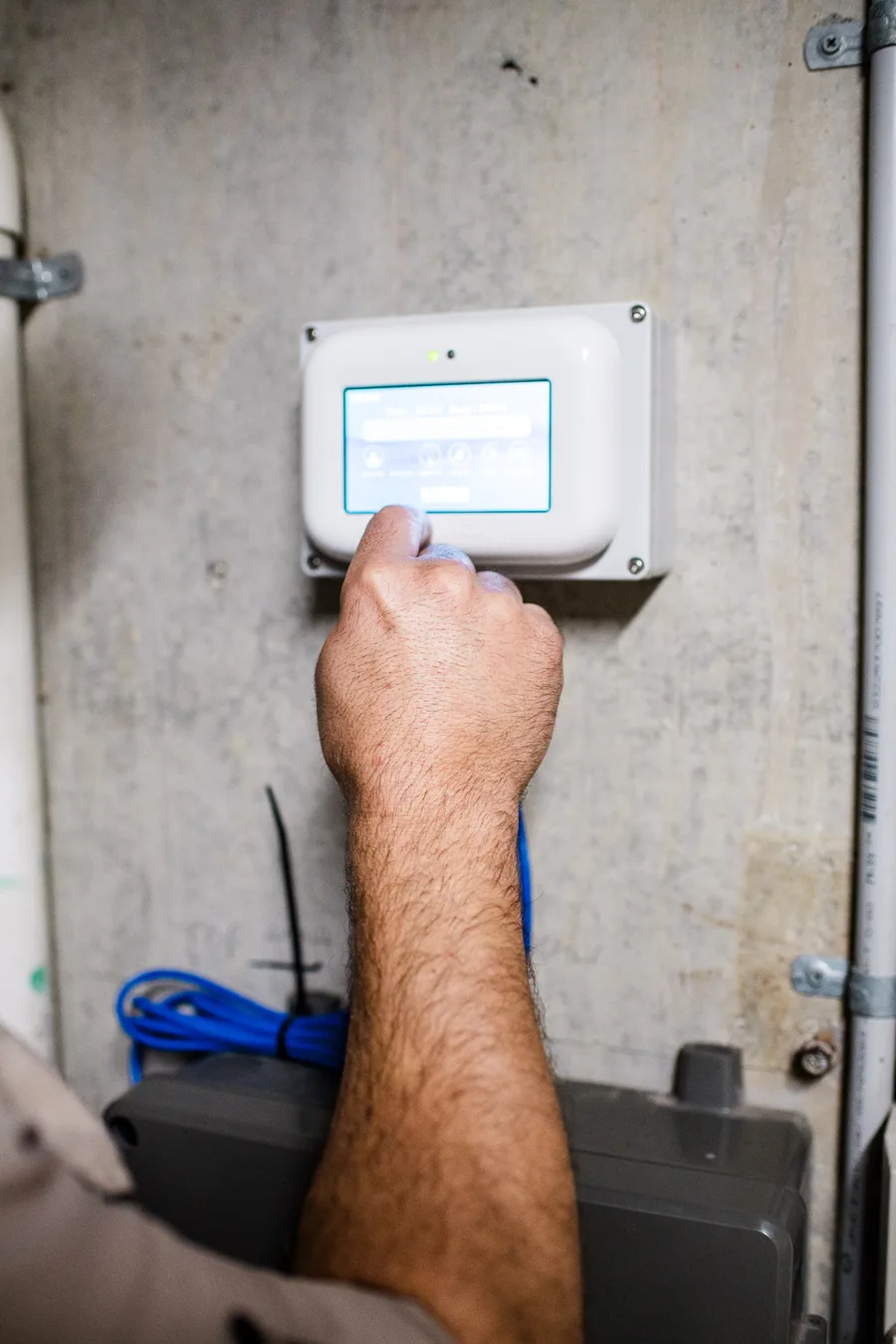
What pool automation controls
Pool automation puts the pump, lights, heater, water features and sanitiser on one controller, with a schedule for each. AstralPool's Viron Connect adds one-touch favourites, such as a Dinner Party mode that turns on the lights and water features together.
Control from your phone needs an internet gateway and a home internet connection that reaches the equipment. Without it, the touchscreen at the equipment still runs every schedule.
Scheduling the pump and heat pump
A variable-speed pump runs on low speed for everyday filtration and steps up for cleaning or water features. The schedule still has to meet the pool's filtration and sanitising needs, as the variable-speed pump guide explains.
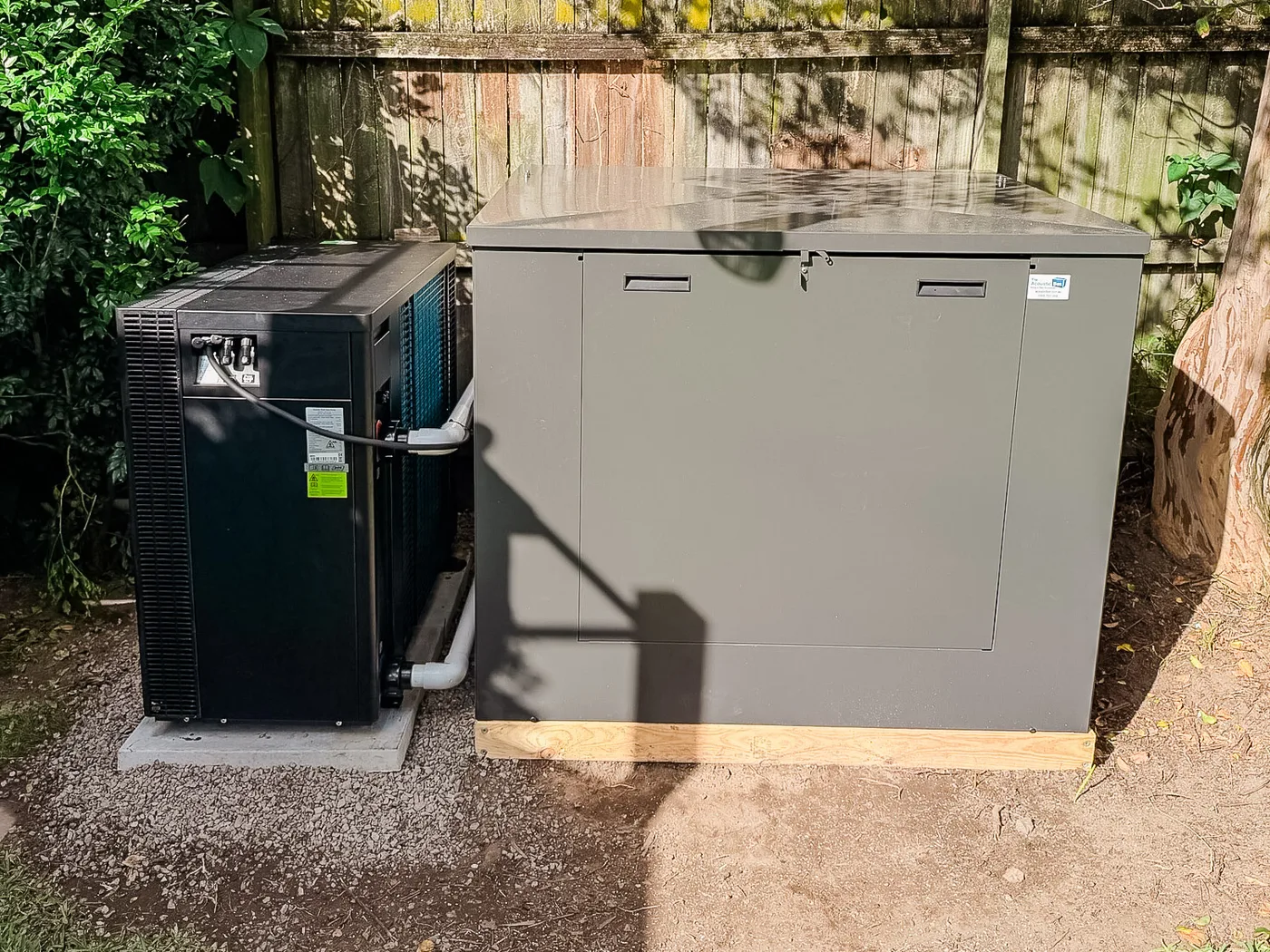
A heat pump makes more heat per kWh in warm air. Automation can run it through the middle of the day, while rooftop solar is producing.
Where the savings come from
The controller saves power only through the equipment it runs and the schedules you set. AstralPool's Viron Connect controls pump speed, water temperature and sanitiser output on compatible equipment. Anything else plugged into its outlets is switched on and off by timer.
Check software support too. AstralPool lists security updates for the Connect 10 internet gateway until 1 January 2028, which is worth knowing before a controller goes online.
Plan pool automation before the paving
Automation needs cabling that is easiest to lay while the ground is open.
- Control and data cables from the controller to each device
- A dedicated power supply for the controller and heat pump
- Wi-Fi or a data cable that reaches the equipment area
- Spare conduit for lights or features you might add later
Controllers and heaters are covered under pool equipment upgrades and , and the full low-energy setup under efficient pool systems.
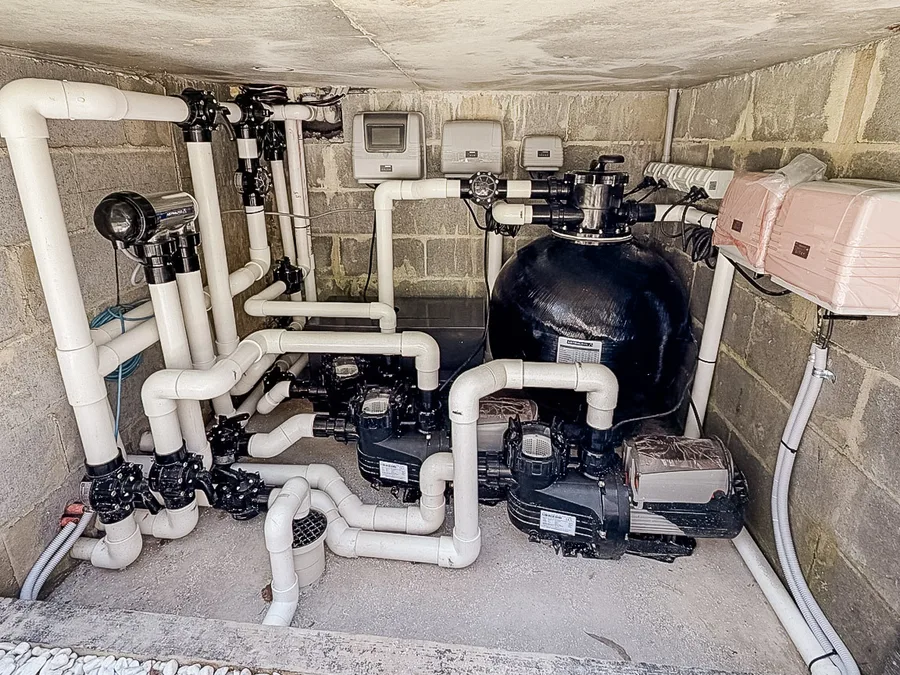
A recent Killara automation upgrade
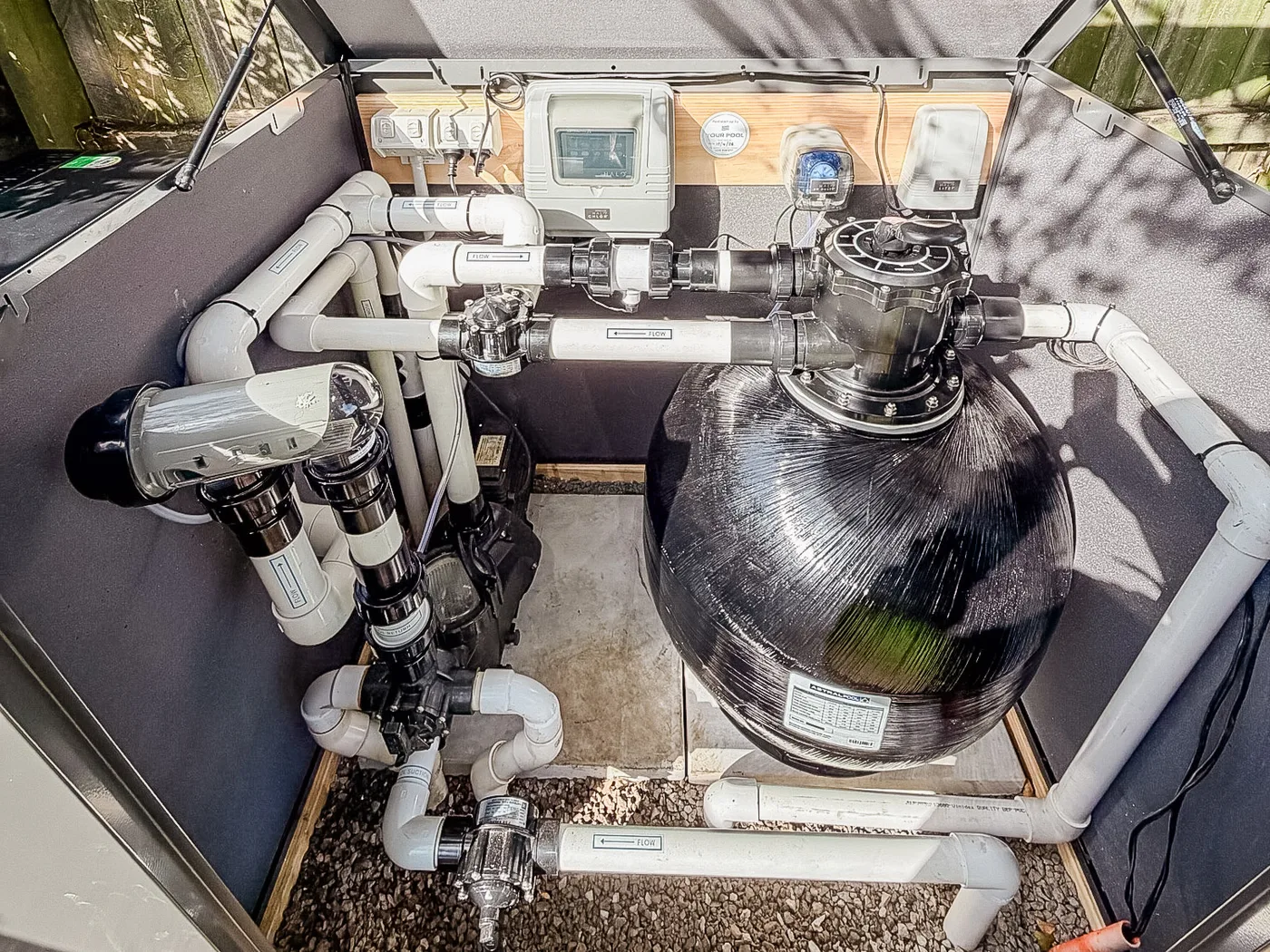
On this Killara pool and spa, we ran two waterfalls, spa jets, heating and seven lights through one controller.
- Controller: AstralPool Halo
- Pumps: filtration, one for each waterfall and one for the spa jets
- Heating: a heat pump and gas heater about 15 m from the equipment room
- Lighting: seven pool and spa lights
It shows what a full system handles: four pumps, two heaters and the lights on one set of schedules.
Choosing the right installer
A good installer starts with the equipment you already have and:
- Checks each device is compatible with the controller
- Sets schedules that still meet filtration and sanitising needs
- Plans cabling and power with a licensed electrician
- Leaves room on the controller for later additions
We'd fit a simple timer to a pool with a pump and chlorinator. Full automation earns its place on a pool with a spa, heating, lights and features.
Nick Richards is Service Manager at Your Pool. His technicians look after pools across the North Shore, Northern Beaches, Eastern Suburbs and parts of the Inner West. Written with input from Jason Rowe, Director of Restore Electrical.
Frequently asked questions
Can I add automation to my existing pool equipment?
Often, yes. A controller can switch most existing equipment through its outlets on a timer. Full control of pump speed, temperature and sanitiser output usually needs compatible equipment, often from the controller's own brand. List the make and model of each device before you choose a system.
Does pool automation need Wi-Fi?
Only for control away from the equipment. AstralPool's Viron Connect runs its schedules from the touchscreen, and an optional internet gateway adds the Connect My Pool app. If your Wi-Fi doesn't reach the equipment area, plan a data cable or extender before the paving goes down.
Is a simple timer enough for my pool?
For a pool with just a pump and chlorinator, often yes. Energy Rating suggests a few short runs across the day on a timer may be more efficient. Automation earns its cost once you add heating, lights, a spa or water features that need to run together.